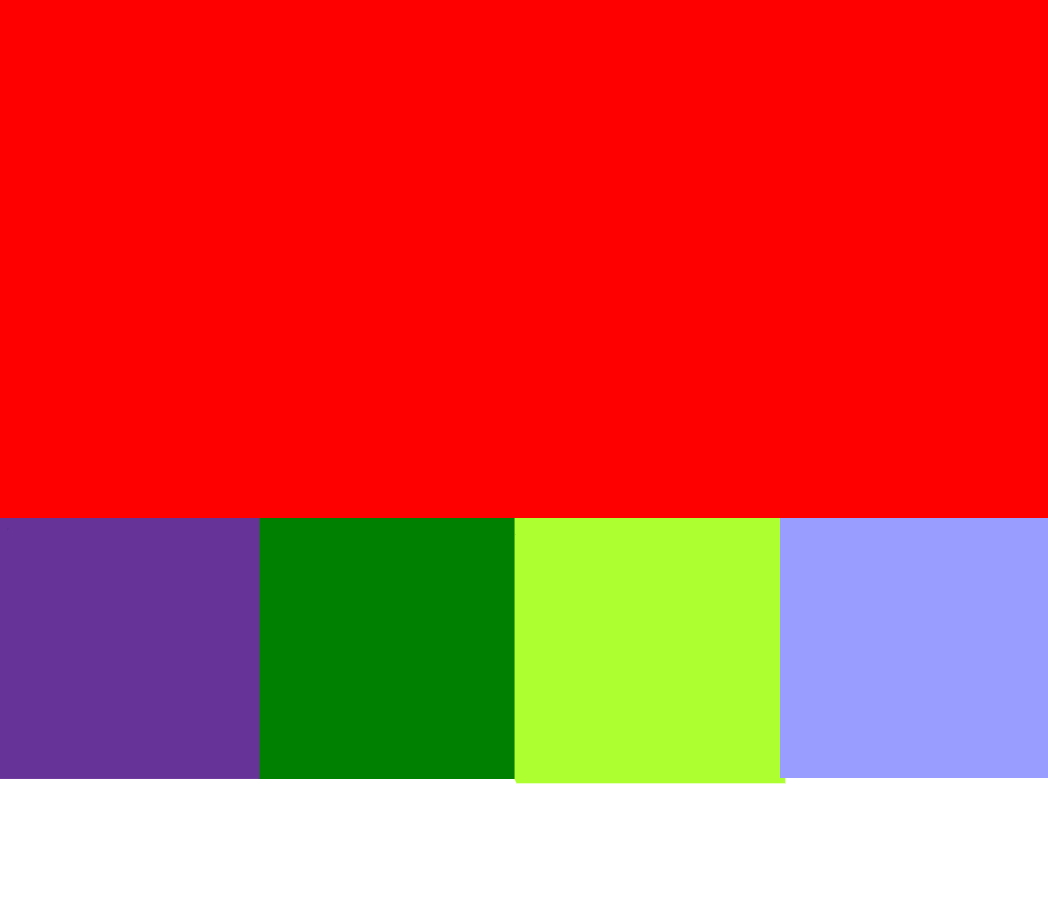
 A Draggable Component
Appearance
默认
传参: childSlot2
自定义传参: 20
adraggable-main展示
vue
<script setup lang="ts">
import { reactive, ref } from "vue"
import { ADraggableMain } from "a-draggable-component"
import { ListProps } from "a-draggable-component/dist/a-draggable-main/type.d"
import 'a-draggable-component/dist/style.css'

const demoList: ListProps = reactive([])
const childNum = ref(3) // 自定义显示个数 改成4 试试
for (let i = 0; i < childNum.value; i++) {
  demoList[i] = {
    age: 18 + i,
    pro: 'worker' + i
  }
}
const demoHeight = ref(600);

</script>

<template>
  <div class="page-bk" :style="{ height: demoHeight + 'px' }"></div>
  <ADraggableMain :childList="demoList" :childNum="childNum" :mainContainerStyle="{ height: demoHeight }">
    <template v-slot:childSlot1>
      <div class="demo-child demo-child-1">默认</div>
    </template>
    <template v-slot:childSlot2="{ data }">
      <div class="demo-child demo-child-2">传参: {{ data.name }}</div>
    </template>
    <template v-slot:childSlot3="{ data }">
      <div class="demo-child demo-child-3">自定义传参: {{ data.age }}</div>
    </template>
    <template v-slot:childSlot4="{ data }">
      <div class="demo-child demo-child-4">自定义传参: {{ data.pro }}</div>
    </template>
  </ADraggableMain>
</template>

<style lang="less" scoped>
.demo-child {
  height: 200px;
  width: 200px;
  // flex: 1;
}

.demo-child-1 {
  background: rebeccapurple;
}

.demo-child-2 {
  background: green;
}

.demo-child-3 {
  background: greenyellow;
}

.demo-child-4 {
  background: rgb(47, 95, 255);
}

.page-bk {
  width: 100%;
  position: relative;
  background: #646cffaa;
}

.logo {
  height: 6em;
  padding: 1.5em;
  will-change: filter;
  transition: filter 300ms;
}

.logo:hover {
  filter: drop-shadow(0 0 2em #646cffaa);
}

.logo.vue:hover {
  filter: drop-shadow(0 0 2em #42b883aa);
}
</style>